Screen Control Apps Don't Work When Your Job Is a Screen. Here's What Does.
You spend 10–12 hours a day on screens. You've seen the ads for screen control apps. You've tried them. You've deleted them. That's not a willpower problem — those tools just weren't built for you.
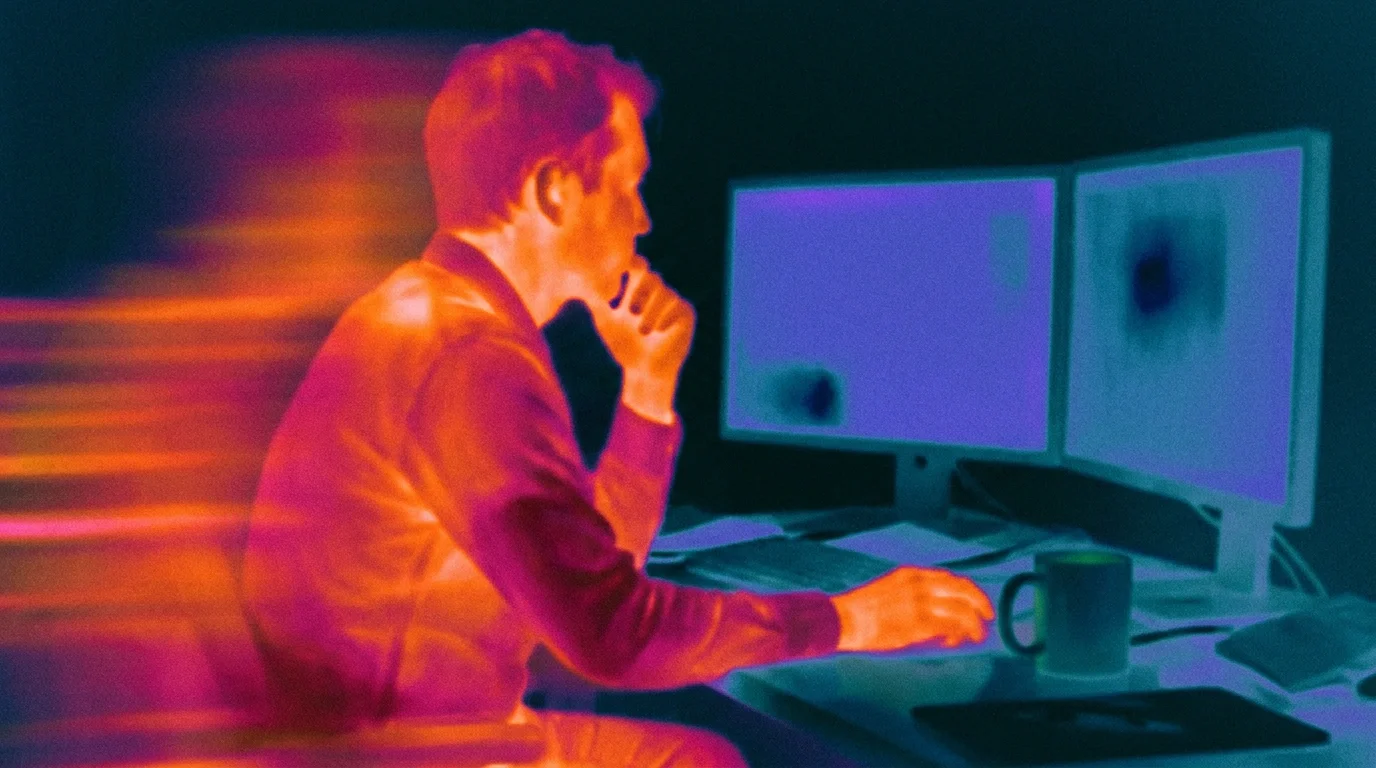
Most screen time advice assumes you have a choice. That your relationship with screens is optional — something you do for entertainment, for distraction. And that the fix is simple: use your phone less. Set a timer. Go outside.
That advice was written for a different person.
If you work remotely, your screen isn't a distraction from your life. It is your life — or at least 10 to 12 hours of it. Your work is there. Your colleagues, your tools, your meetings, your everything. You don't get to "just use your phone less." You get to choose which screen you're looking at.
This is what nobody in the digital wellness space wants to say out loud: screen time tips for remote workers need to be completely different. Because the goal isn't less screen time. It can't be.
The goal is making sure the screen isn't the only thing that happens in your day.
Why the standard tips fail you
The classic advice — set app limits, enable downtime, do a digital detox — shares one hidden assumption: that your screen time is discretionary. That somewhere in your day there's a version of you who could just stop.
For remote workers, that's mostly not true.
When your work, social life, entertainment, and side projects all live behind the same glass rectangle, "use it less" isn't a tip. It's noise.
What actually happens to your day
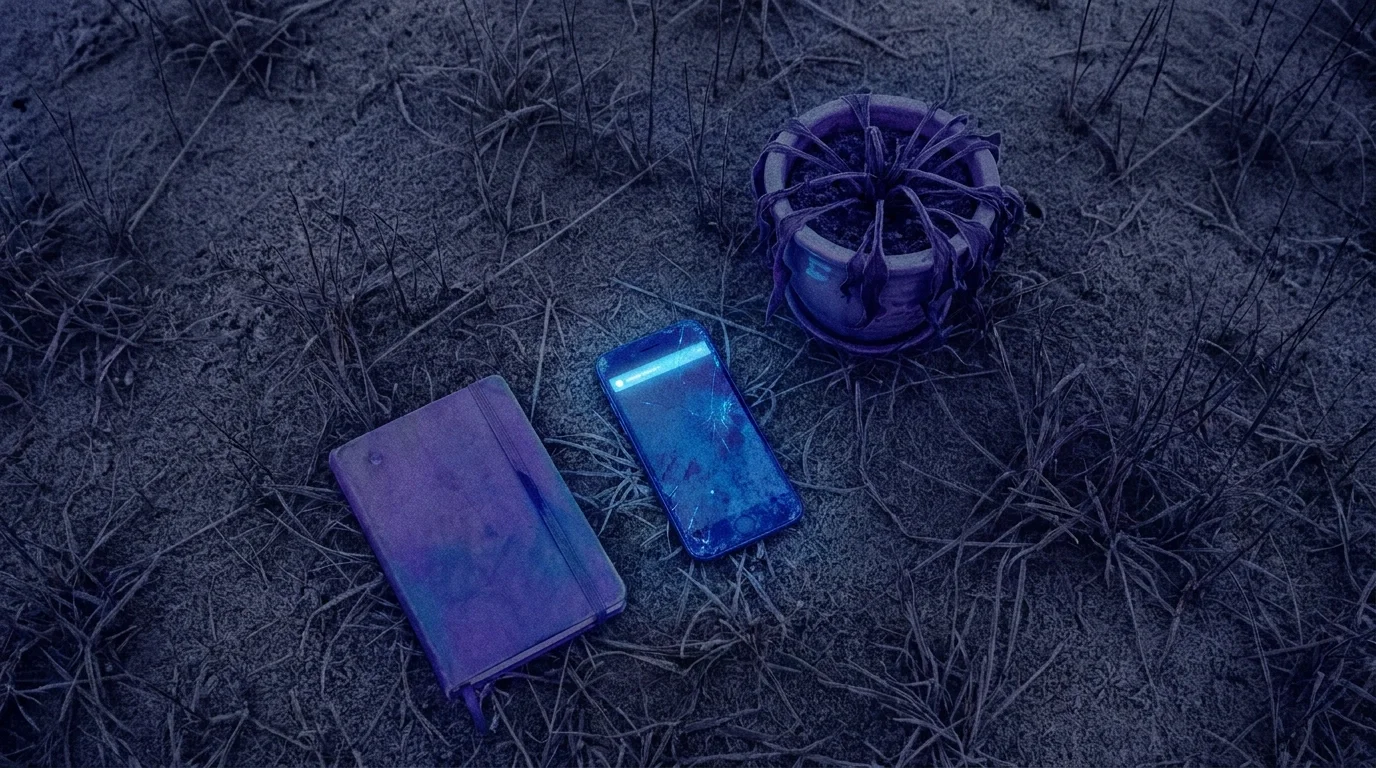
Here's the real problem: your day loses texture.
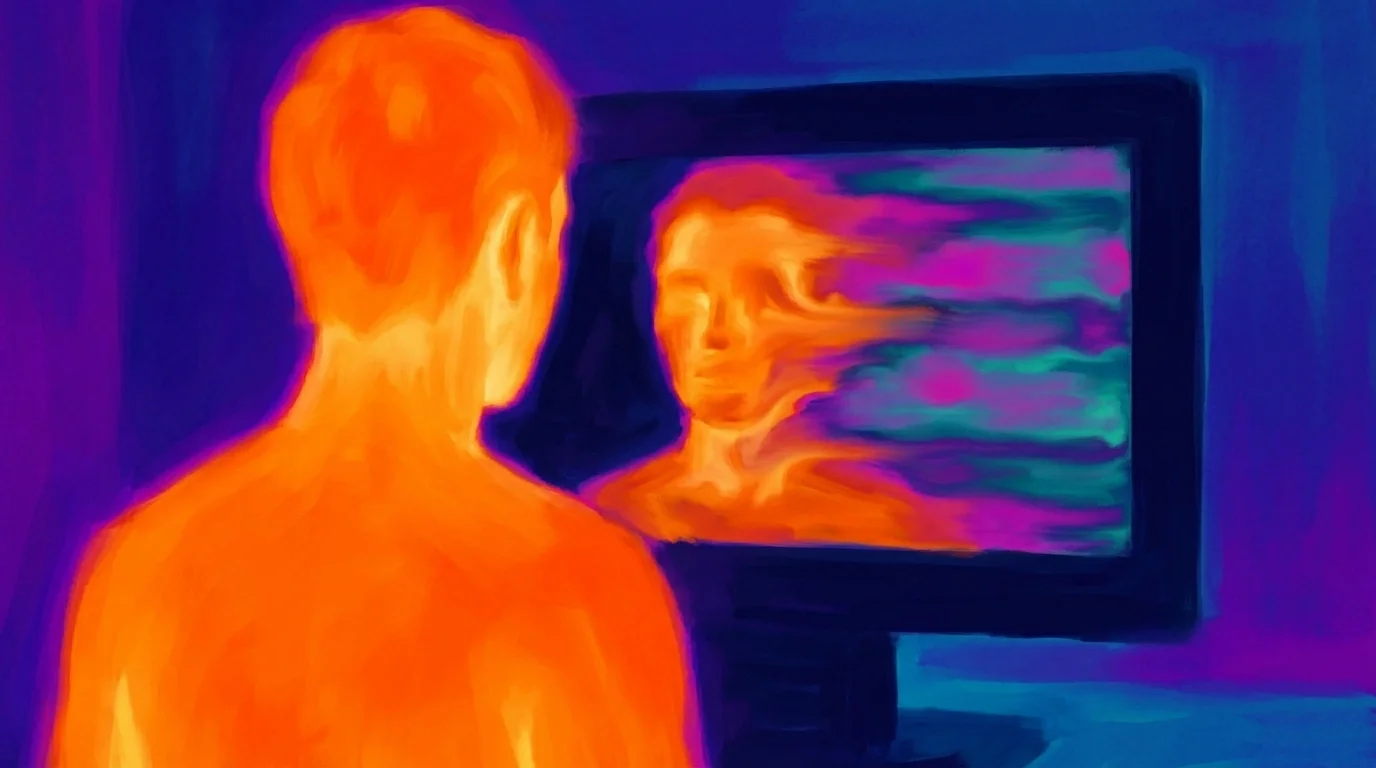
Every hour starts to feel the same — work tab, Slack, news, Twitter, work tab again. The surface is identical throughout. By the end of the day you can't tell what happened. The day was full, but it left no marks. You can't remember it.
Not burnout. Not addiction. Just a quiet sense that your days are passing without registering.
5 screen time tips built for remote workers
1. Stop measuring hours. Start measuring texture.
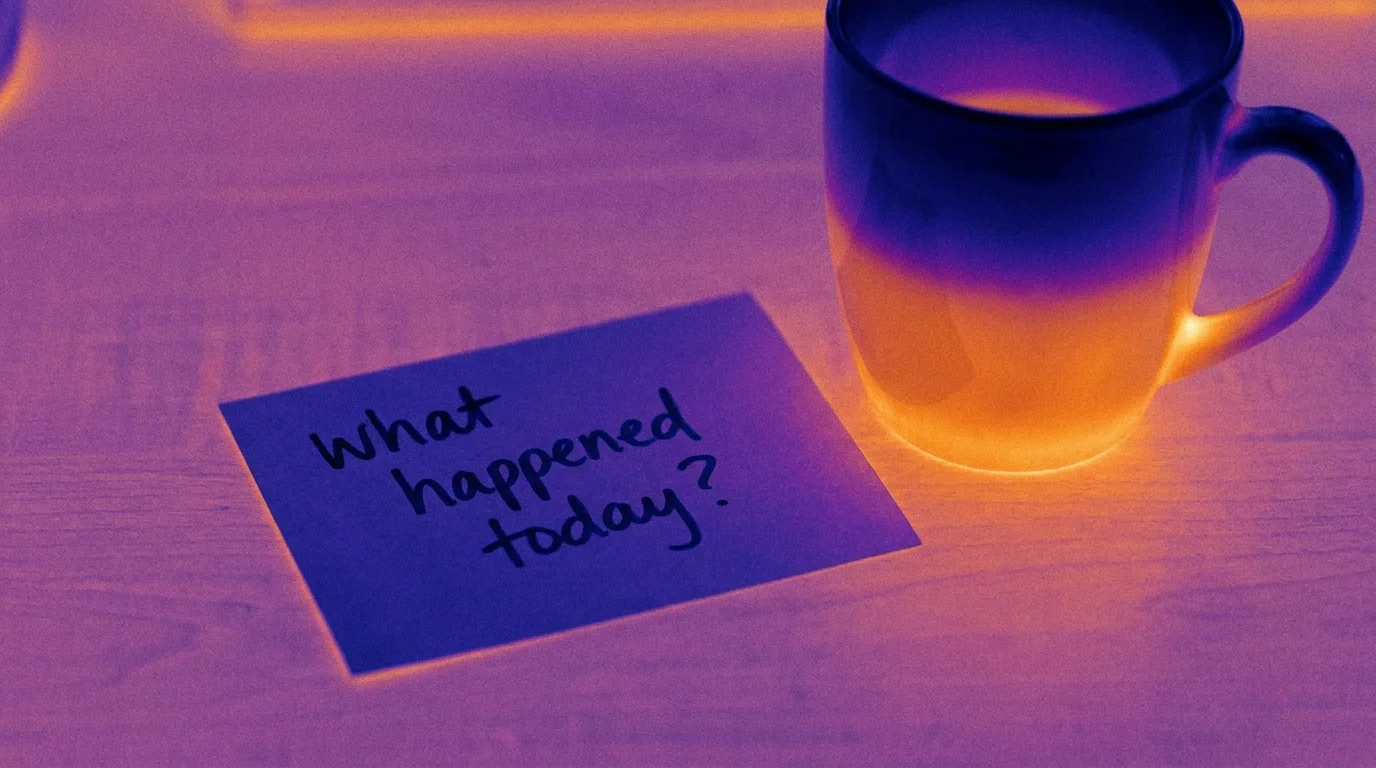
Ask yourself at the end of each day: what do I remember that didn't happen on a screen? Not "did I use my phone less" — but did anything else happen?
If the answer is consistently nothing — that's the signal.
2. Use your body as a measurement device.
Remote work makes it easy to lose track of your physical self entirely. Your body is generating data all day — steps, energy, hunger — and most of it goes unread because you're busy looking at a screen.
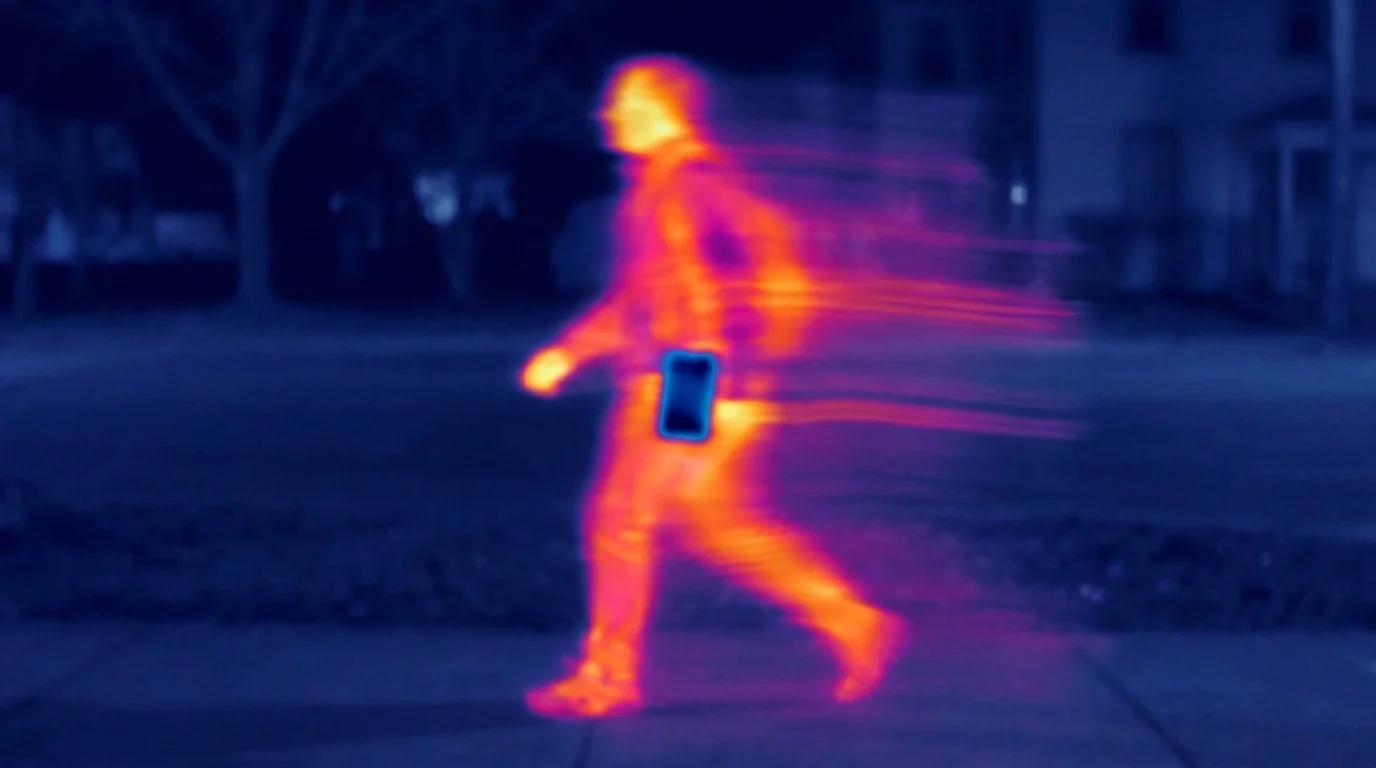
Start reading it. Just enough to notice when you haven't moved in four hours.

3. Replace blocking with earning.
Blocking apps work on a punishment model. You hit your limit — access denied. You feel restricted and find a workaround in ten minutes.
A better model is exchange: earn access by doing something for yourself first.
This is the mechanic behind Nowhere, an app I built after failing to make blocking apps work for me. Your daily activity — steps, sleep, small choices about body and mind — generates colors. Colors unlock access to your social feeds through a soft gate called PayGate.
Not a lock. A threshold. A lock says you've had enough. A threshold asks — did you check in with yourself yet?
4. Design one non-screen anchor per day.
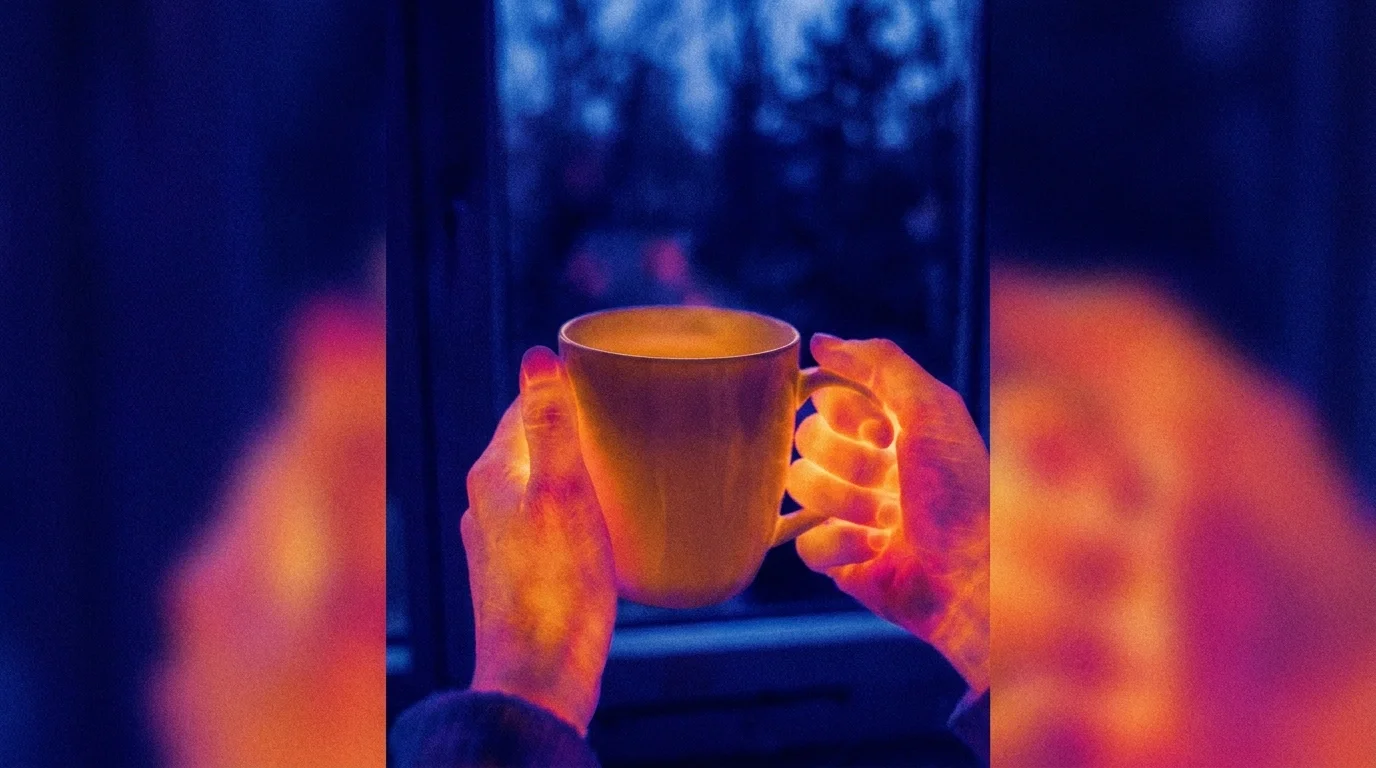
Not a routine. Just one thing, the same each day, that has nothing to do with a screen. Coffee without your phone. A ten-minute walk at a fixed time. Lunch away from your desk.
One moment that uses a different part of you — and leaves a different kind of memory.
5. Notice what you're actually looking for.
Most screen use isn't addiction. It's need-fulfillment through the path of least resistance. You open your phone because you want stimulation, or rest, or connection.
Ask yourself: what am I actually looking for right now — and is there a better way to get it?
Sometimes the answer is no. But sometimes you want rest and what you actually need is to lie down for twenty minutes, not scroll. Sometimes you want connection and what you need is to text someone directly, not open Instagram.
The screen will always be easier. But easier isn't always what you were looking for.
The shift that matters
The tips that work for remote workers share something: none of them are about using screens less. All of them are about making sure something else also happens.
Your screen will be there tomorrow. It'll be there next year.
The question is what else will be.
Nowhere is an iOS app that converts daily activity — steps, sleep, small choices — into access to your social feeds. Built for people who spend all day on screens and want something else to happen too.
